






On-Device AI App Development with Flutter

What Is On-Device AI?

What Is On-Device AI?

On-device AI, also called on-device machine learning, runs models directly on the phone instead of in the cloud. Features keep working offline, respond without waiting for the network, and user data never leaves the device. HireFlutterDev builds on-device AI into Flutter apps for iOS and Android.

Offline AI Features We Build into Flutter Apps

These features run on the phone, so they work offline and keep data private.
01

Text Recognition (OCR)

Read printed text from the camera or photos without uploading the image anywhere.

04

Entity Extraction

Pick out addresses, phone numbers and dates from text to fill in forms automatically.

07

Image Labeling and Object Detection

Recognize what is in a photo or camera view and react to it in real time.

02

Document Scanning

Capture, crop and clean up documents and receipts inside the app.

05

On-Device Translation

Translate text between languages offline, so users can read content anywhere.

08

Custom Models

Run your own trained model on the phone with LiteRT (TensorFlow Lite), optimized for size and speed.

03

Barcode and QR Scanning

Scan barcodes and QR codes instantly, even with no connection.

06

Face and Pose Detection

Detect faces and body poses for fitness, camera and accessibility features.

Not Sure Your AI Feature Can Run on the Phone?

We test model size, speed and accuracy on real devices before you commit, then recommend on-device, cloud or both.

Check My AI Feature

How We Build On-Device AI in Flutter

Every step is tested on real phones, including older and lower-cost devices.
01

Feasibility Check

We confirm the feature can run on the phone with acceptable accuracy, speed and app size.
02

Model Choice

We use a ready-made model where one fits, or prepare a custom model when your feature needs it.
03

Optimization

We shrink and speed up the model so it runs smoothly without draining the battery.
04

Flutter Integration

We connect the model to your Flutter app through plugins or native platform code.
05

Device Testing

We measure accuracy, speed and battery use on a range of iOS and Android phones.
06

Release and Updates

We ship the feature and plan how models are updated as your app grows.

On-Device AI vs Cloud AI

Neither is better for every feature. Many apps use both, with on-device AI for private, offline tasks and cloud models for open-ended ones. Cloud models such as Gemini or ChatGPT are covered by our Flutter AI app development services, and you can also hire Flutter AI developers for your own team.

Privacy

On-device: data stays on the phone. Cloud: data is sent to the model provider.

Offline Use

On-device: works with no connection. Cloud: needs a network connection.

Speed

On-device: no network round trip. Cloud: depends on the network and the provider.

Running Cost

On-device: no per-request fees. Cloud: usually billed per request or per token.

Capability

On-device: smaller models for focused tasks. Cloud: the largest models for open-ended tasks.

App Size

On-device: models add to the app size. Cloud: no extra size in the app.

The On-Device AI Stack for Flutter

We choose tools by maturity and platform support, and we tell you where a tool needs extra native code.

Google ML Kit

Ready-made on-device models for text, barcodes, faces, translation and more. The Flutter plugins are community-maintained, wrapping Google's ML Kit.

LiteRT (TensorFlow Lite)

Runs custom models on the phone. The Flutter plugin has infrequent releases, so we check compatibility before each project.

Apple Foundation Models

Apple's on-device language model for supported iPhones. No official Flutter plugin yet, so it is connected through native iOS code.

Gemini Nano (ML Kit GenAI)

On-device language features such as summarizing and rewriting on supported Android phones, connected through native Android code.

Cloud Fallback with Firebase AI Logic

Gemini models in the cloud for tasks too large for the phone, with App Check protection and rate limits.

Flutter AI Toolkit

Chat interface widgets for AI features, used when an on-device or cloud model powers a conversation.

Testimonials

The app was delivered ahead of schedule, leaving the client impressed with Hire FlutterDev efficiency. The vendor ensured a seamless customer experience by always addressing queries and requests promptly. Moreover, they worked flexibly to accommodate any ad hoc tasks and followed a professional approach.
Arinze Pascal
Arinze PascalCEO, Bakoomba Fitness

Ready to Add Offline, Private AI to Your App?

Tell us the feature you have in mind. We will check whether it can run on the device and plan a pilot for your offline AI app.

Talk to a Flutter AI Developer

AI Apps We Have Built with Flutter

Two of the AI-powered apps from our case studies.
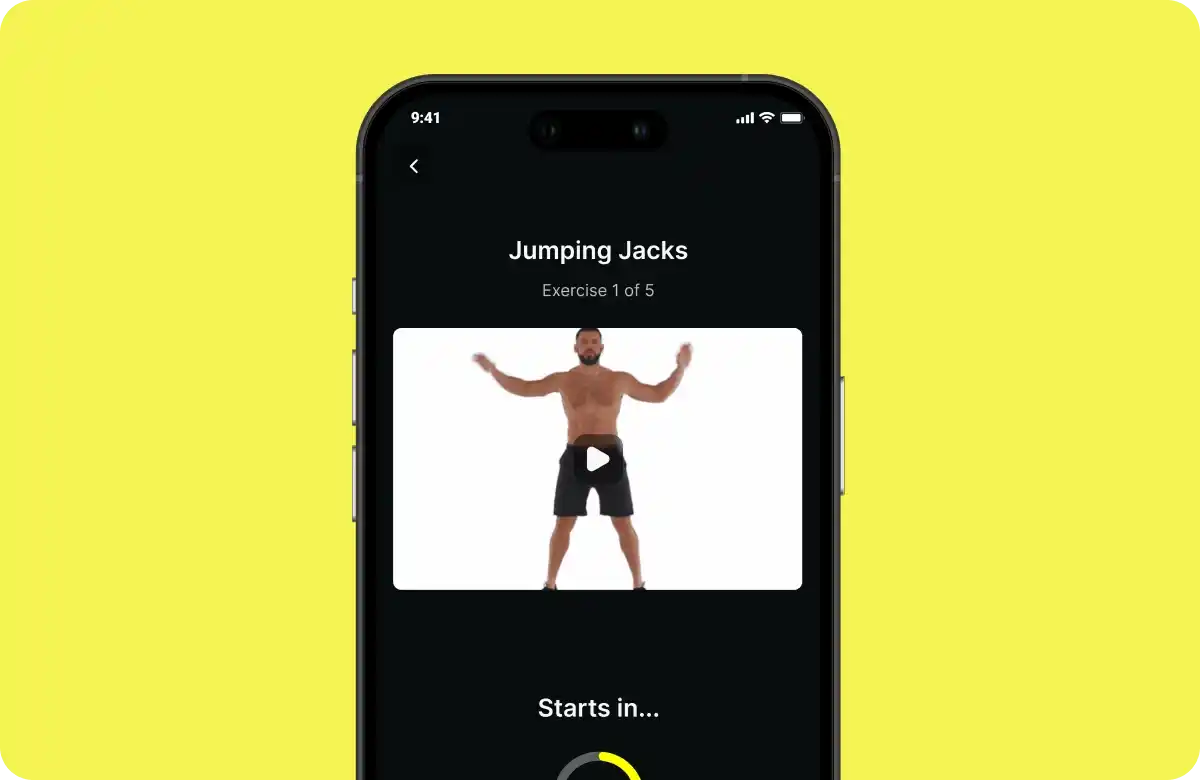
AI-Powered Fitness App
Improved user engagement with fitness plans by 30%

AI-Powered Fitness App

A fitness app that uses AI to adapt workout plans and nutrition tips to each person.

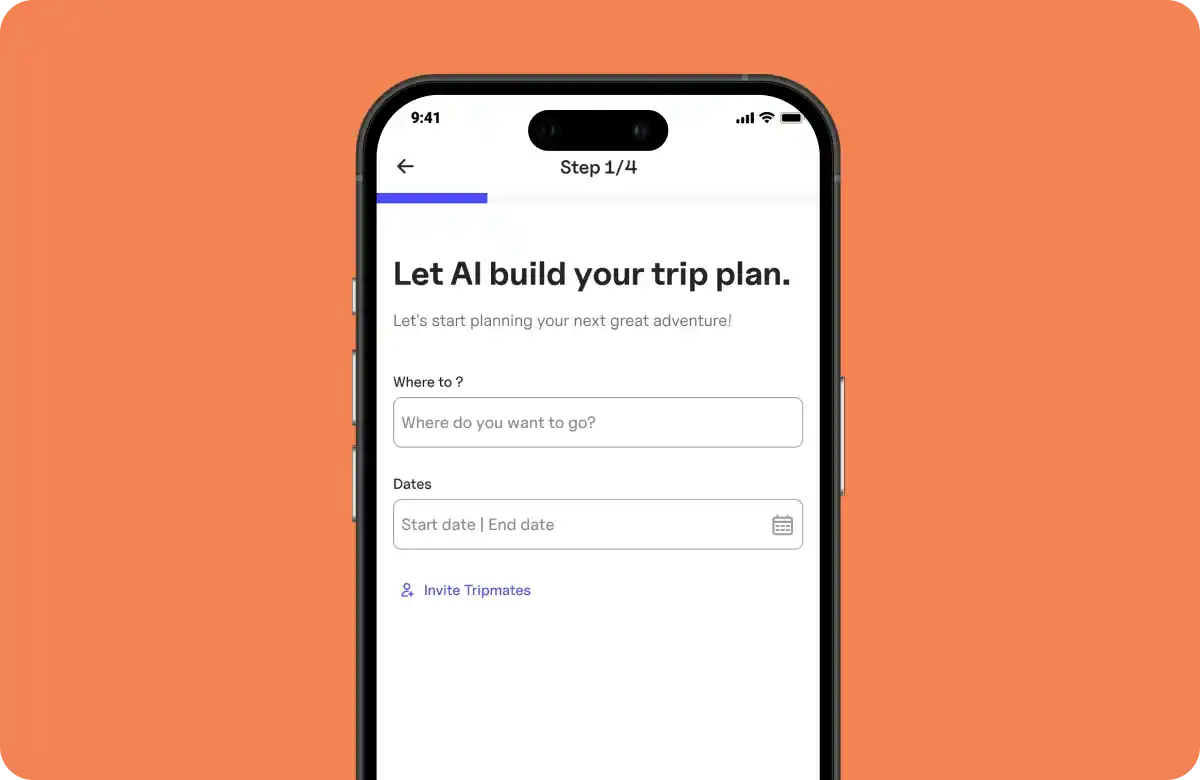
AI Trip Planner App Development
Boosted trip itinerary completions by 21%

AI Trip Planner App Development

An AI planner that turns hotels, transport and attractions into one itinerary built around each traveler.

On-device AI runs machine learning models directly on a phone or tablet instead of on a cloud server. Features keep working offline, respond quickly, and user data stays on the device.

Yes. Flutter apps can run on-device AI for text recognition, barcode scanning, translation, face detection and custom models, using ML Kit and LiteRT through Flutter plugins or native code.

Common examples are text recognition from the camera, barcode and QR scanning, offline translation, face and pose detection, and on-device language models such as Apple Foundation Models and Gemini Nano that summarize or rewrite text.

For common tasks, Google ML Kit's ready-made models cover text, barcodes, faces and translation. For custom tasks, small models converted to LiteRT (TensorFlow Lite) run well on phones. For language tasks, Apple Foundation Models on iOS and Gemini Nano on Android are built for on-device use on supported devices.

Use on-device AI when privacy, offline use or speed matter most, and cloud AI when you need the largest models for open-ended tasks. Many apps combine both, with cloud AI as the fallback.

Yes. Once the model is on the phone, on-device features work without an internet connection.

Models add to the app size, so we choose compact models and optimize them. Where possible, models are downloaded after install instead of shipping inside the app.

Yes, on supported phones: Apple's Foundation Models on iOS and Gemini Nano on Android. There is no official Flutter plugin for either yet, so they are connected through native iOS and Android code.

Yes. The data is processed on the phone and is not sent to a model provider, which makes privacy and consent simpler to manage.

There are no per-request model fees, because the model runs on the phone. The cost is the development, optimization and device testing work. Share your feature and we will send you a tailored quote.