
You already have a Flutter mobile app, and someone on the team asks a fair question. Can the same code run the website too, or will it hurt search traffic and load times? So, is Flutter good for web development? It depends on what kind of website you mean.
Flutter is good for app-like web products such as dashboards, internal tools and logged-in portals. It is a poor choice for sites that live on search traffic, like blogs, marketing pages and online stores. Flutter's own web FAQ says its output doesn't align with what search engines need to index.
We build Flutter apps, including Flutter web apps, so we have an interest in this answer. We've tried to be plain about where Flutter web falls short.
Key takeaways
- Flutter web suits progressive web apps, single-page apps, dashboards and web versions of Flutter mobile apps.
- It does not suit text-heavy content sites, and it has no server-side rendering.
- The HTML renderer was removed in Flutter 3.29, so apps now render through CanvasKit or Skwasm.
- WebAssembly builds are opt-in with the --wasm flag and fall back to JavaScript in older browsers.
- For pages that must rank, keep an HTML site or use Jaspr, and run the Flutter app beside it.
Why does Flutter web struggle with search and content sites?
Most websites send the browser HTML documents made of headings, paragraphs and links. Search engines read that text directly. Flutter works differently, because it draws the whole interface itself, the same way it does on a phone.
On the web, Flutter paints through its CanvasKit and Skwasm renderers, which use the browser's WebGL and WebGPU graphics APIs. The older HTML renderer, which produced regular page elements, was deprecated in 2024. The removal announcement set it to stop working in the first stable release of 2025, which was Flutter 3.29.
The Flutter web FAQ is direct about what this means. It says Flutter web output “doesn't align with what search engines need to properly index.” It also says Flutter is not suitable for static websites with text-rich, flow-based content at this time.
There is no server-side rendering either, meaning a server that sends ready-made HTML before the app loads. Many JavaScript web frameworks offer this, and Flutter web does not. Any guide that tells you to add server-side rendering to a Flutter web app is mistaken.
Download size is the second cost. Flutter's 3.50 release notes say an experimental text-layout option cuts the CanvasKit download by roughly a third, to about 3.75 MB. A plain HTML page usually weighs far less, which matters for first visits on mobile data.
Where is Flutter good for web development?
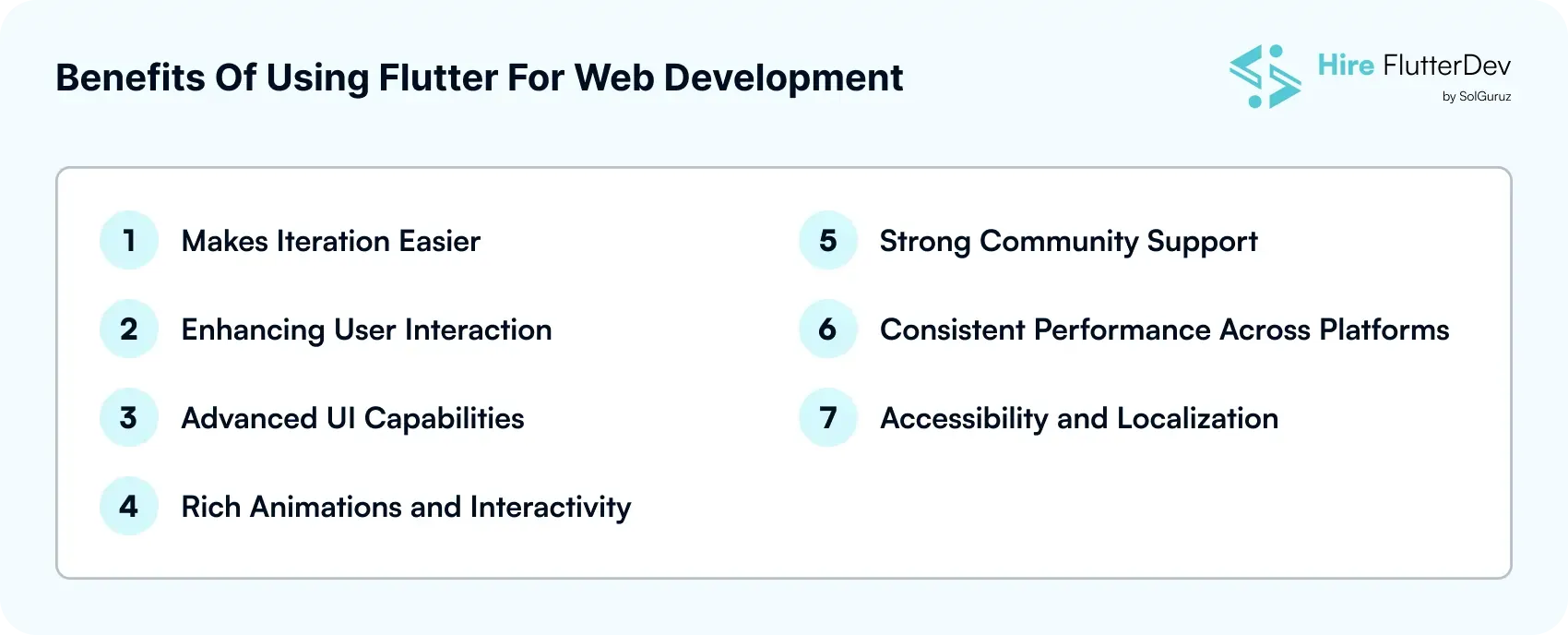
The same FAQ says Flutter suits app-centric experiences. It names progressive web apps, which install and behave like apps, single-page apps and existing Flutter mobile apps brought to the browser.
- Internal tools and admin dashboards, where users log in and search engines never need to look.
- SaaS products and client portals that sit behind a sign-in screen.
- Web versions of a Flutter mobile app, sharing models, business logic and most widgets.
- Interactive tools inside a normal website, such as calculators, configurators or editors.
- Data-heavy or animated interfaces where identical rendering across browsers matters.
Developer speed carries over to the browser as well. Hot reload, which updates a running app without losing its state, is enabled by default on the web, starting with Flutter 3.35.
If you are still deciding on Flutter for the whole product, read our breakdown of why teams choose Flutter for cross-platform apps.

Should you use Flutter for this web project?
Use this table as a quick check. It reflects Flutter's documented strengths and limits, applied to common project types.
| Project type | Flutter web fit | Why |
|---|---|---|
| Admin dashboard or internal tool | Good | No search needs, complex UI, shared code with mobile |
| Logged-in SaaS app or client portal | Good | App-like screens behind a sign-in |
| Web version of a Flutter mobile app | Good | Reuses models, logic and most widgets |
| Interactive feature inside an existing site | Good | Embedded mode renders Flutter into page elements |
| Marketing site or landing pages | Poor | Needs indexable HTML and a fast first load |
| Blog, documentation or news site | Poor | Text-rich content the Flutter FAQ says it does not suit |
| Online store that relies on search traffic | Poor | Product pages need to rank and load quickly |
How can you use Flutter on the web without hurting SEO?
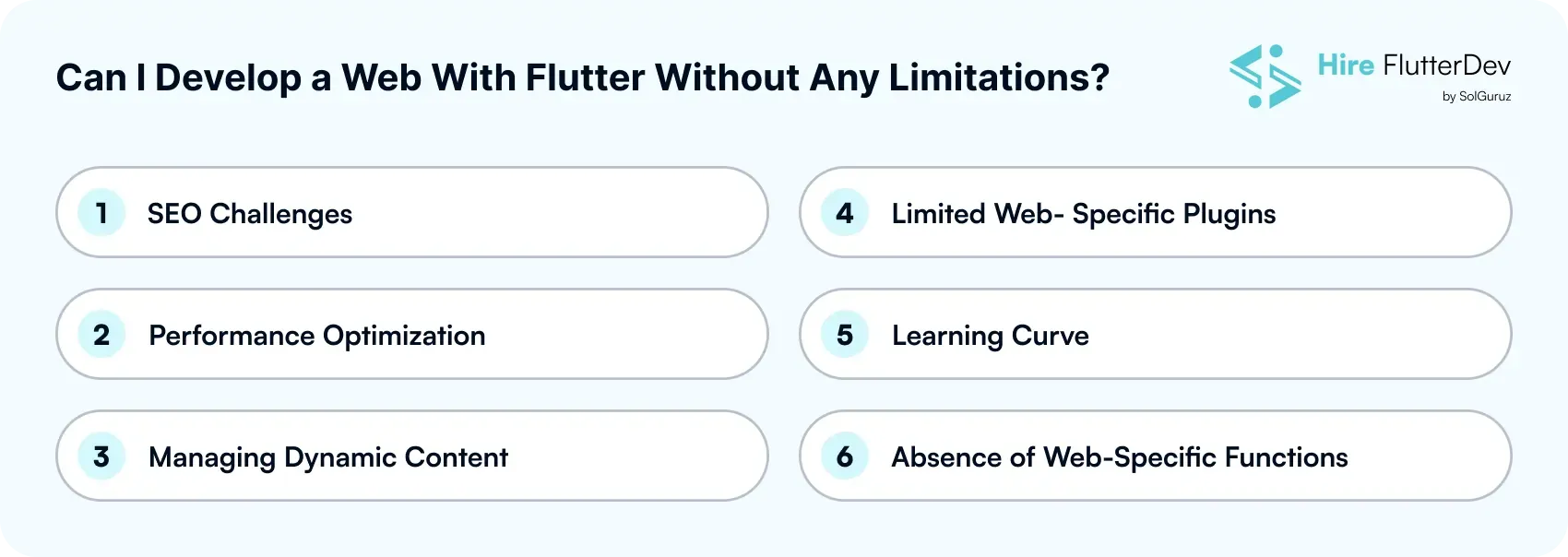
None of these fixes needs an agency. Most teams combine the first one with one or two of the others.
Split the marketing site from the Flutter app
Keep landing pages, pricing, help articles and blog posts in search-friendly HTML. Serve the Flutter app from a subdomain or a path, such as app.example.com. The Flutter FAQ recommends exactly this separation for teams that need both.
Use Jaspr if your team wants to stay in Dart
Jaspr is a community web framework for Dart that outputs normal HTML. It can generate static pages at build time, render pages on the server or build a single-page app. According to the Flutter FAQ, the Dart and Flutter documentation sites were migrated to Jaspr.
Embed Flutter inside an existing site
If you already have a website, you don't need to rebuild it. Flutter's embedded mode, also called multi-view, renders an app into one or more elements of another page. Your HTML keeps its rankings, and only the interactive part runs in Flutter.
Build with WebAssembly and set the right headers
Running flutter build web with the --wasm flag produces a WebAssembly build, a compiled format browsers run alongside JavaScript. Chromium browsers from version 137 run it by default. Safari and Firefox support it in recent versions but must be enabled through the wasmAllowList setting. Every other browser falls back to the JavaScript build automatically.
Multi-threaded rendering also needs two HTTP headers, Cross-Origin-Opener-Policy and Cross-Origin-Embedder-Policy. Without them, the Wasm build runs on a single thread.
Check web support before you pick packages
Some community plugins support only Android and iOS. Check the platform tags on each package page before you commit to it. Plan a fallback for anything mobile-only, such as certain camera or Bluetooth plugins.
Who is Flutter web not right for?
- Publishers whose traffic comes mainly from organic search.
- Stores whose product pages must rank and load quickly on mobile data.
- Teams with no Flutter mobile app and no plan for one, who would gain little from shared code.
- Sites that must work with JavaScript disabled or on very old browsers.
If you fit one of these groups, a web framework your developers already know will usually serve you better.
Where can our team help?
If your project sits on the good-fit side of the table, we build dashboards, portals and web versions of Flutter apps. If it is a content site, we will tell you to build it in HTML or Jaspr instead.
Our developers cost $18–$50 per hour, as listed on our pricing page, and every engagement starts with a one-week free trial.

Frequently asked questions
Does Flutter web support server-side rendering?
No, Flutter web has no server-side rendering. It renders in the browser through CanvasKit or Skwasm. If you need HTML rendered on the server, use a web framework or the Dart framework Jaspr for those pages.
Is Flutter web good for SEO?
Not for pages that need to rank. Flutter's own FAQ says its web output doesn't align with what search engines need to index. Keep search pages in HTML and use Flutter for the app behind them.
Can I build an e-commerce website with Flutter?
You can, but a storefront that depends on search traffic is a poor fit. Product and category pages need indexable HTML and a fast first load. A Flutter web app works better for a logged-in area, such as order tracking or a seller dashboard.
Does hot reload work for Flutter web?
Yes, hot reload now works in the browser. The Flutter docs say it is enabled by default on the web in current releases. Hot restart is still available when you need a full restart.
Can I add Flutter to an existing website?
Yes, through Flutter's embedded mode or an iframe. Embedded mode renders an app into one or more elements of an existing page. You keep your current site and its rankings while adding an interactive Flutter feature.
Should I build with the --wasm flag?
For most new Flutter web apps, we think it is worth enabling. Wasm builds run by default in recent Chromium browsers and fall back to JavaScript elsewhere. Test on Safari and Firefox before you enable them there through the allow list.
So is Flutter good for web development or not?
Flutter is a good choice for web apps people log into and a poor choice for pages people find through search. Use it for dashboards, portals and web versions of your Flutter app. Keep marketing and content pages in HTML or Jaspr, and let the two live side by side.

If your project is app-like, our Flutter web development service can scope it with you.